
USA Events Calendar: A practical guide for news readers
A clear buyer’s guide to using USA events calendar resources, with practical steps, pitfalls to avoid, and tips for staying on top of breaking events.

Readers need a reliable way to track events as news unfolds. This guide explains what a USA events calendar offers, how to use it in reporting or staying informed, and where to find trustworthy listings. You’ll learn practical steps to verify dates, filter by impact, and avoid common misreads in breaking-news cycles.
The article compares calendar options, highlighting what matters to a reader who wants timely, accurate event information. It also outlines how to spot bias, cross-check entries, and integrate listings into daily news intake. Expect concrete how-to guidance you can apply right away.
By the end, you’ll have a clear view of when a calendar helps coverage, which features matter most, and how to use it without overreliance or confusion.
- A practical guide to using USA events calendars for news readers and reporters. It explains what calendars show, how to verify entries, and how to choose the right one for your workflow.
- Use verification steps and multiple sources to avoid misreadings. Look for updates, time zones, and venue details.
- Choose calendars that fit your newsroom needs, with filters, exports, and reliable refresh rates. Practice cautious publishing when entries are uncertain.
Basics of event calendars
What calendars show clearly
A calendar collects dates, times, and locations for notable events. It helps you see clusters of activity and avoid missing critical moments. Use filters to focus on jurisdictions, themes, or impact, improving your situational awareness. USA events calendar
This sub-section demonstrates how to compare calendars side by side, checking for completeness and consistency across listings. It cautions against taking a single source as definitive and explains corroboration steps. Always note discrepancies and record your verification path.
The box below offers a quick caution aimed at breaking-news readers—spot checks you can perform without delaying coverage.
- Cross-check event times with official outlets
- Verify venue names and addresses
- Note any recurring events for trend tracking
- Record the source and timestamp of listings
- Beware of duplicate entries across calendars
How to use calendars effectively
Practical verification steps
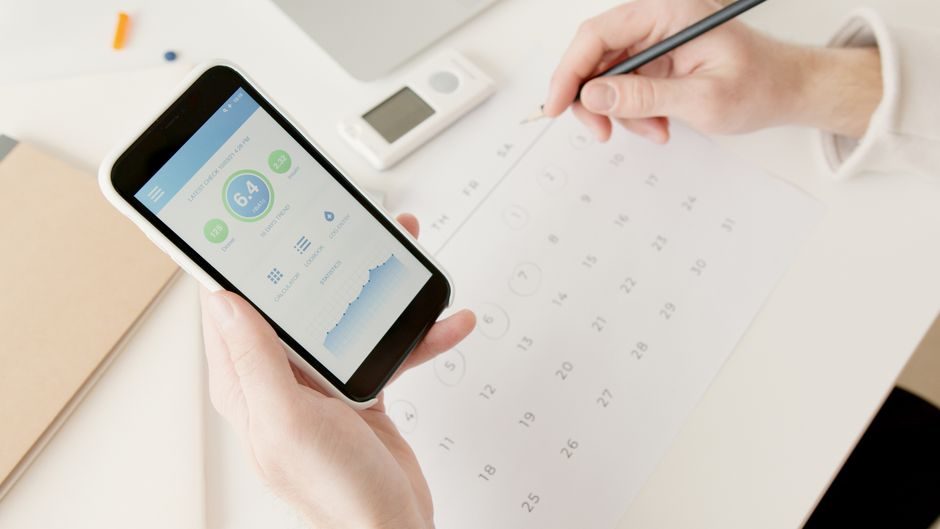
Start with the calendar’s official domain or a trusted partner to reduce misreadings. Cross-check critical dates with at least one independent source. For breaking events, confirm that the time zone is correct and that the entry reflects any postponements. A useful resource on this topic: Crime News X headlines.
This section shows how to annotate entries in your workflow, building a short trail of validation steps you can reproduce. It also warns against assuming all listings are exhaustive, especially for local or niche events.
The box below provides an actionable reminder on the essential guardrail when using calendars in fast-moving news.
- Check official pages for event reminders
- Compare with local outlets for local events
- Note changes in time or venue
- Keep a running log of source URLs
- Avoid booking without confirmation if attendance matters
Choosing the right calendar
Types of calendars to consider
Public calendars vary by scope—from national events to local happenings. Look for coverage breadth, timely updates, and accessibility in multiple formats. Decide whether you need a single, authoritative feed or a network of diverse listings. A useful resource on this topic: add your business to the USA business directory.
This section helps you map your needs to calendar features, such as filtering, export options, and API access for newsroom systems. It explains how a bad fit can create noise and slow reporting.
The box below gives a practical tip on selecting a calendar that fits editorial rhythm.
- Wide national calendars for big events
- Regional calendars for communities
- APIs or feeds for automation
- Accessibility in mobile and desktop formats
- Clear indicators of event status and updates
| Source quality | Coverage breadth | Ease of use |
|---|---|---|
| Public portal | National and local events | Strong search and filter features |
| Newsroom calendar | Broad editorial relevance | Integrated workflow tools |
| Industry association | Targeted listings | Good consistency, moderate updates |
This section outlines practical warning signs: missing venues, inconsistent times, or ambiguous locations.
Common pitfalls
What trips readers up
Even trusted calendars can mislead if entries are outdated or vague. Pay attention to status labels like tentative or cancelled, and verify with a second source before publishing. When in doubt, flag the item for follow-up. A useful resource on this topic: buy and sell in the USA.
This section outlines practical warning signs: missing venues, inconsistent times, or ambiguous locations. It also notes the importance of comparing multiple calendars to catch missing events.
The box above highlights a key precaution for fast-moving scenarios, helping you avoid spreading errors alongside breaking news.
- Ambiguity in location or time
- Delayed updates after changes
- Entry duplication across calendars
- Lack of source attribution
- Overreliance on a single feed
How to validate event credibility
Assess source trustworthiness
When evaluating an event listing, look for clear provenance. Check who published the information and whether the calendar links to an official or recognizable outlet. If details are vague or anonymous, treat the listing with caution. place a death notice in the USA
- Identify the publisher and check their track record.
- Open the event link to confirm details from the venue or organizer.
- Note any missing information and treat the listing as provisional.
Compare details across multiple calendars to spot inconsistencies in venue, time, or description. Credible listings usually have corroborating information from at least one additional source.
Avoid relying on a single user-generated post as proof. Reputable calendars add context, such as organizer contact or ticketing notes, which helps confirm legitimacy.
- Check the publisher’s reputation
- Verify venue and time against official pages
- Look for explicit contact information
- Cross-check with another calendar
Integrating calendars into reports
Embed calendars into briefs
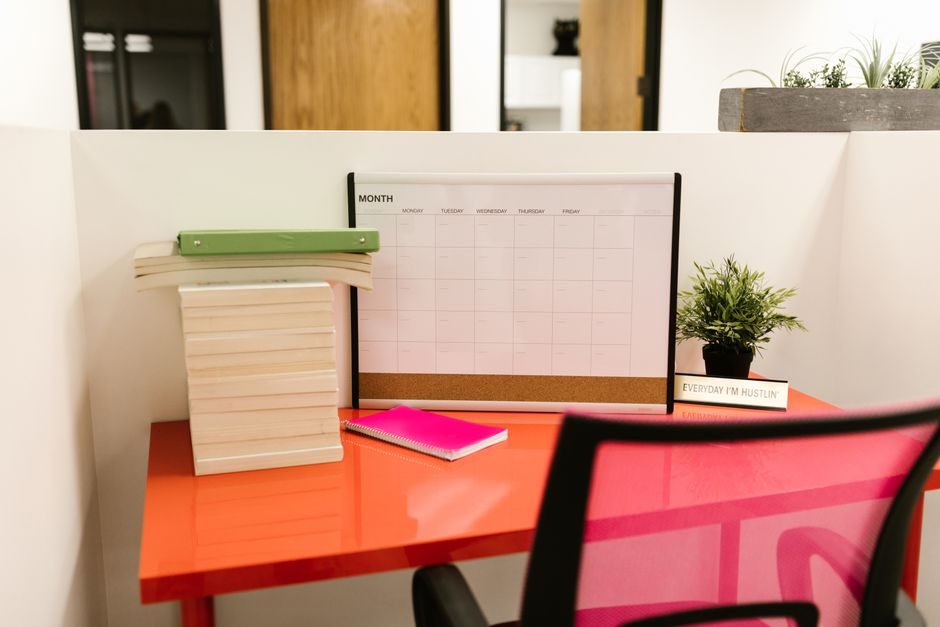
In newsroom briefs, a calendar can provide context for deadlines or upcoming interviews. Start with the event name, date, location, and why it matters to readers. Keep the entry concise and anchored to a news angle.
Show relevance by linking the event to a broader beat, such as local government decisions or public health campaigns. This helps readers connect listings to developing stories.
Avoid overcrowding the page with dates. Use a single calendar block and reference standout events in the narrative where appropriate.
- Keep date formats consistent
- Highlight only events with clear relevance
- Provide a direct event URL when possible
- Avoid speculative mentions about outcomes
User guidelines for readers
What readers should expect
Readers rely on calendars to plan their information intake, not to verify every detail. Presentations should be accurate, with caveats for last‑minute changes. When dates shift, issue brief corrections or updates.
Offer practical tips, such as how to filter events by topic or location, so readers find what matters fastest. Clear labeling reduces confusion during breaking news cycles.
Encourage readers to report discrepancies they notice, providing a simple path to submit corrections or concerns.
- Filter by beat or location
- Watch for update timestamps
- Use official sources when possible
- Report suspicious listings
Future trends in event listings

Automation and verification
Automation helps populate calendars from official feeds, but human review remains essential. Expect more real-time updates and better error catching with cross‑checks across multiple sources.
Calibrated algorithms can flag anomalies, such as mismatched venues or dates. This supports faster corrections before circulation widens.
Bet on calendars that offer provenance notes, showing when and how a listing was verified.
- Real-time feeds
- Cross-source verification
- Provenance notes
- Automated anomaly alerts
Frequently asked questions
Can a single calendar be trusted for breaking events?In fast-moving situations, a calendar from a known, reputable outlet is a starting point, but it should be supplemented with direct checks—venue pages, official organizers, or live updates. Treat provisional listings as such and publish clarifications when they arrive.
What makes a listing credible beyond basic details?Credible listings include a clear publisher, verifiable venue information, and contact or ticketing notes. They also show updates when details change and link to additional context such as related stories or official announcements.
How should reporters handle conflicting times or venues?When times or venues conflict, prioritize official venue pages and organizer communications. Note the discrepancy in the report, provide the most recent confirmed detail, and indicate that updates may follow as verification occurs.
Are there risks in relying on user-generated calendars?User calendars can uncover local events, but they lack the accountability of official feeds. Verify every item against primary sources and use user listings only as preliminary references.
Practical steps for newsroom calendars
Use multiple calendars to triangulate information and reduce errors.
Ensure your desk has a clear process for updating readers when event details change, including timestamps and sources.
Add Kano News as a preferred source on Google


